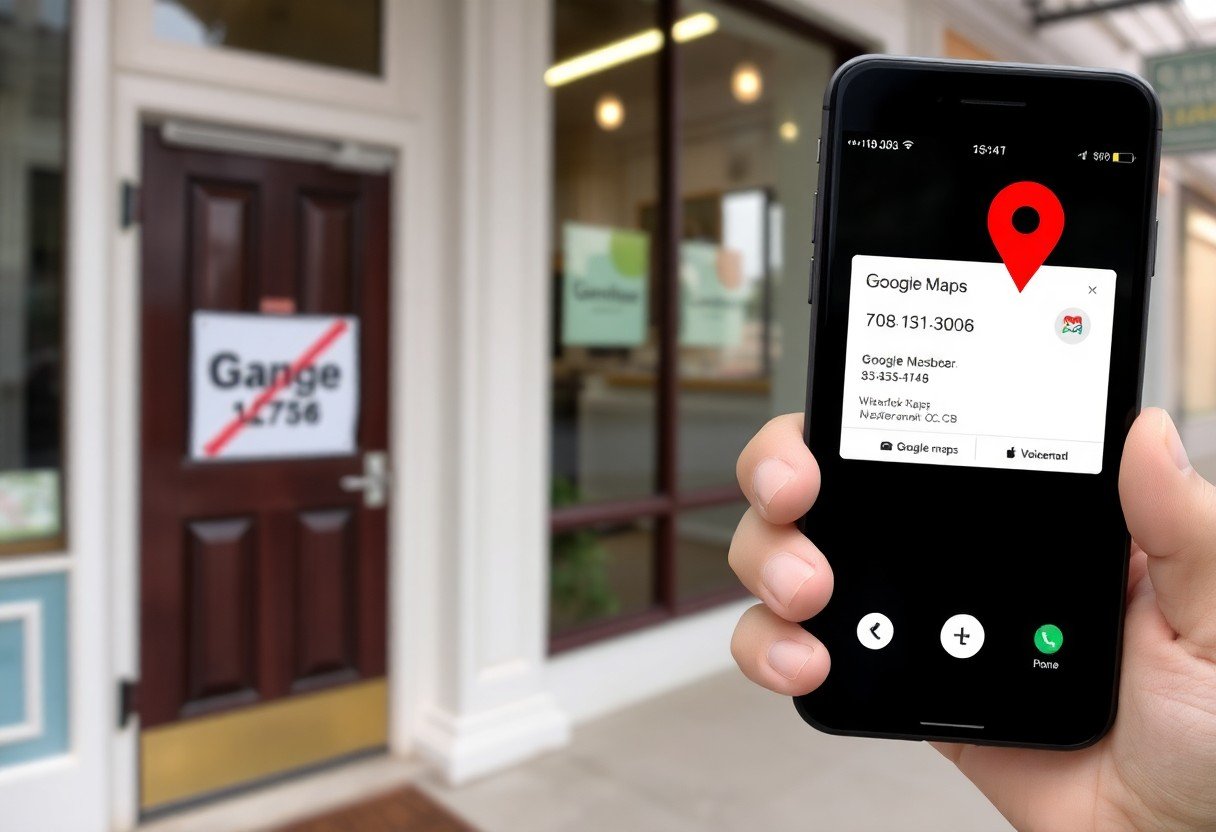
Businesses risk losing calls when incorrect listings, outdated phone numbers, or disabled click-to-call send customers elsewhere; you must audit your Google Maps profile, sync call-tracking, and correct hours to restore visibility and capture intent-driven leads.
Why businesses lose calls from Google Maps
Many missed calls stem from simple profile mistakes-wrong numbers, outdated hours, or inconsistent names that erode trust and redirect customers elsewhere; you lose leads when your listing displays incorrect phone details or shows you’re closed while actually open.
Incorrect or incomplete listing details (phone number, hours)
If your phone number, hours, or address are incorrect or incomplete, callers get frustrated and abandon attempts; you must keep phone and hours accurate, include extensions, and update seasonal changes to preserve caller confidence.
Visibility problems: unverified, duplicate, or suppressed listings
When listings are unverified, duplicated, or suppressed they rarely surface or show stale information, so you miss impressions and calls; claiming and verifying your profile prevents suppression and helps Google prioritize your primary listing over duplicates.
Unverified or duplicate entries can be flagged, merged, or removed by Google, and suppression effectively hides your listing from search results. You should audit your Google Business Profile, remove or merge duplicates, follow Google’s guidelines, submit verification and appeals when suppressed, and keep NAP data consistent to recover visibility and the calls you’ve been losing.
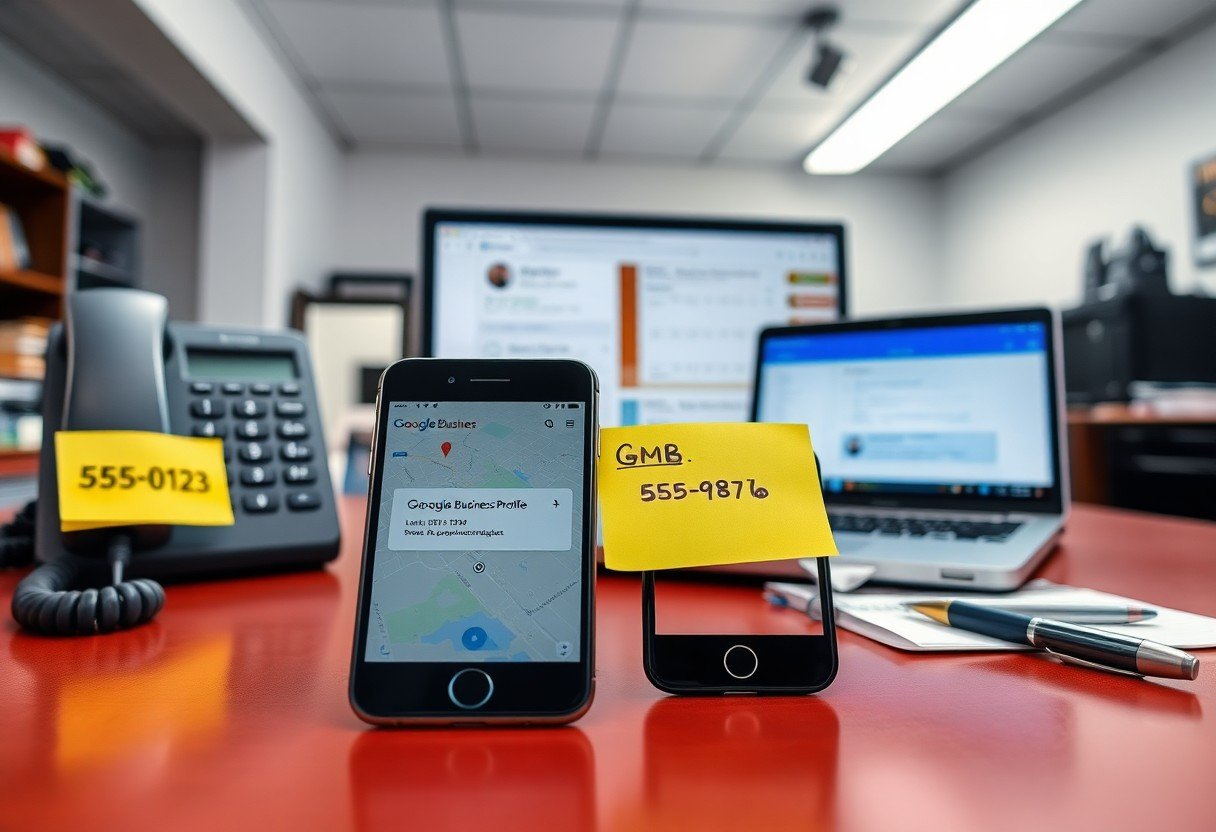
Google Business Profile misconfigurations
Often your GBP has simple errors-wrong hours, hidden phone, or mismatched address-that stop calls. Audit every contact field and visibility setting; correcting a single missing call button or incorrect category can restore significant call volume.
Category, attributes, and call button errors
If you choose the wrong category or misconfigure attributes, Google may not show your call option. Fixing a misassigned category and enabling the call button directly increases the chance that users will contact you.
Suspensions, merges, and outdated information
When Google suspends or merges listings, your phone number and visibility can disappear overnight; stale hours or addresses also push callers away. Monitor for suspensions, disputed merges, and outdated info to prevent lost leads.
Additionally, duplicates, policy flags, or automated merges often cause silent drops that stop calls and hurt rankings. You should audit for duplicate listings, confirm ownership, and submit an appeal with clear verification when suspended. If Google merged your profile into another business, request an unmerge, correct the merged listing’s NAP and hours, and use GBP support to verify identity, remove duplicates, update contact fields, and monitor until call volume recovers.
Call tracking, routing and integration failures
When your tracking numbers, routing rules, or CRM links fail, you lose calls and the data that helps you follow up; you must spot dropped calls, misroutes, and CRM gaps that silently erode revenue and reputation.
Misconfigured call forwarding and IVR systems
If your forwarding paths or IVR menus are wrong, callers hit dead ends, get stuck, or abandon; you must test flows frequently to avoid long waits, wrong transfers, and lost leads.
Third‑party tracking, dynamic numbers, and data mismatches
Dynamic numbers can mask real caller sources, and third‑party mismatches leave you blind; verify integrations and reconcile metrics to prevent misattributed leads, lost follow-ups, and billing disputes.
Additionally, when your provider swaps dynamic numbers, session drops or misapplied cookies can break attribution and leave call records orphaned in your CRM; you should log number mappings, set deterministic fallbacks, and audit API syncs to catch orphaned calls, incorrect attribution, and revenue leakage.
Staff, training and operational issues
Staffing and weak processes make you lose calls from Google Maps: inconsistent scripts, missing escalation paths, and poor tracking turn leads into missed revenue. You must enforce response protocols and focused training so every ring becomes an opportunity.
Poor phone handling, no response protocols, and missed transfers
If you don’t standardize greetings, call ownership, and transfer rules, callers hit voicemail or get dropped. You should train staff on single-call ownership, logging callbacks, and using transfer protocols to prevent lost leads.
Staffing shortages, peak-hour overflow, and voicemail gaps
During peak periods you may face insufficient agents, long holds, and voicemails that never get returned. Implement overflow routing, temporary coverage, and voicemail-to-ticket workflows so callers aren’t abandoned and opportunities aren’t lost.
Addressing shortages requires forecasting, flexible schedules, and cross-training so you can reassign staff during surges. Use overflow routing to a virtual receptionist, set measurable service-level targets, enable automated callbacks, and tie voicemails into your ticket system while monitoring abandonment rates to adjust staffing quickly.
Technical and device-level problems
Technical glitches on devices and OS mismatches can break the Maps-to-phone handoff, so you miss calls. You should check outdated OS, app versions, and intent/URI handlers and test across devices to restore reliable calling behavior.
Mobile click‑to‑call bugs, browser permissions, and app issues
When mobile click-to-call misfires, browser permissions or app bugs often block dialing. You must confirm that calling, pop-up, and tel: intent permissions are allowed, clear caches, and keep the Maps app and browser updated to avoid lost leads.
Carrier call blocking, spam filters, and connectivity failures
Sometimes carriers label your number as spam or throttle connections, and poor signal or network outages cause dropped calls. You need to monitor carrier blocking, spam filters, and connectivity, and collect customer reports to spot patterns quickly.
Investigate by running controlled tests from different carriers and devices, logging failures and timestamps so you can map issues to specific networks or OS versions. Fix number reputation by checking CNAM and spam-blacklist services and requesting delisting when flagged. If you use SIP/VoIP, verify TLS/SRTP and correct SIP headers. Implement a fallback number or callback widget, enable analytics from your call-tracking vendor, and file carrier appeals with documented failures to recover blocked calls and revenue.
Measurement, remediation and prevention
Measure and document call failures, root causes, and remediation steps so you can stop recurring issues; prioritize fixing issues that cause the most missed calls and conversion losses.
Auditing missed calls, KPIs, and monitoring processes
Audit missed calls weekly, track KPIs like answer rate, time-to-answer, and hang-ups, and create dashboards so you spot trends fast; use alerts for performance drops.
Automations, testing, and ongoing maintenance best practices
Automate repetitive fixes-routing rules, fallback messages, and call tracking-and schedule synthetic tests to validate flows; maintain runbooks so you resolve regressions quickly.
Schedule weekly synthetic call tests, monthly routing audits, and quarterly failover drills; version automations, log changes, and run A/B tests on IVR prompts so you can roll back faulty updates.
To wrap up
Conclusively, you lose calls from Google Maps when your listing has inaccurate info, missed updates, poor call routing, slow response, or weak review management; fixing these areas ensures callers reach you and convert.